
Analytics feature is only available after you subscribe to a paid plan.
At Reelfy dashboard, click Analytics in the Reelfy’s main menu on the left to access the analytics page.
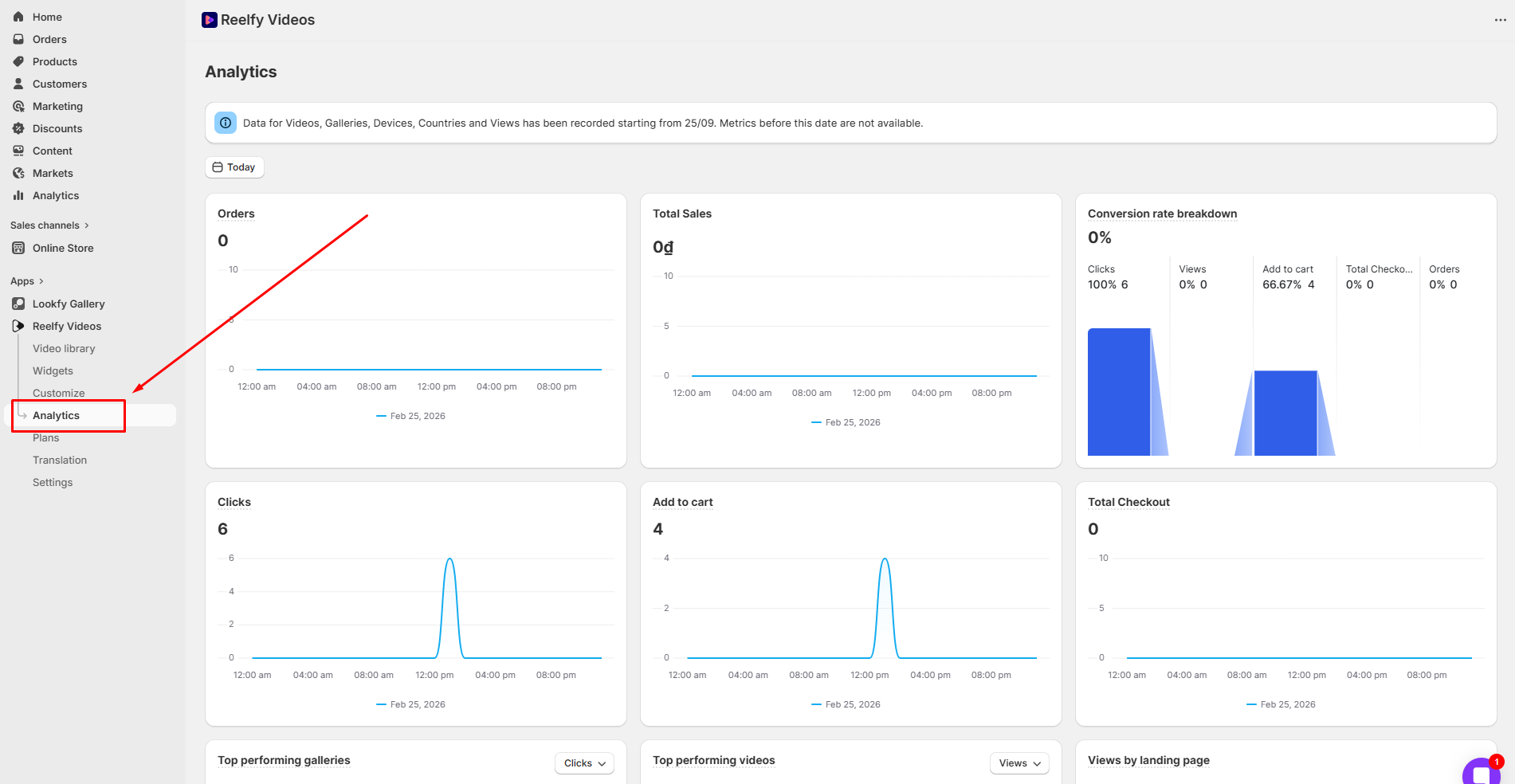
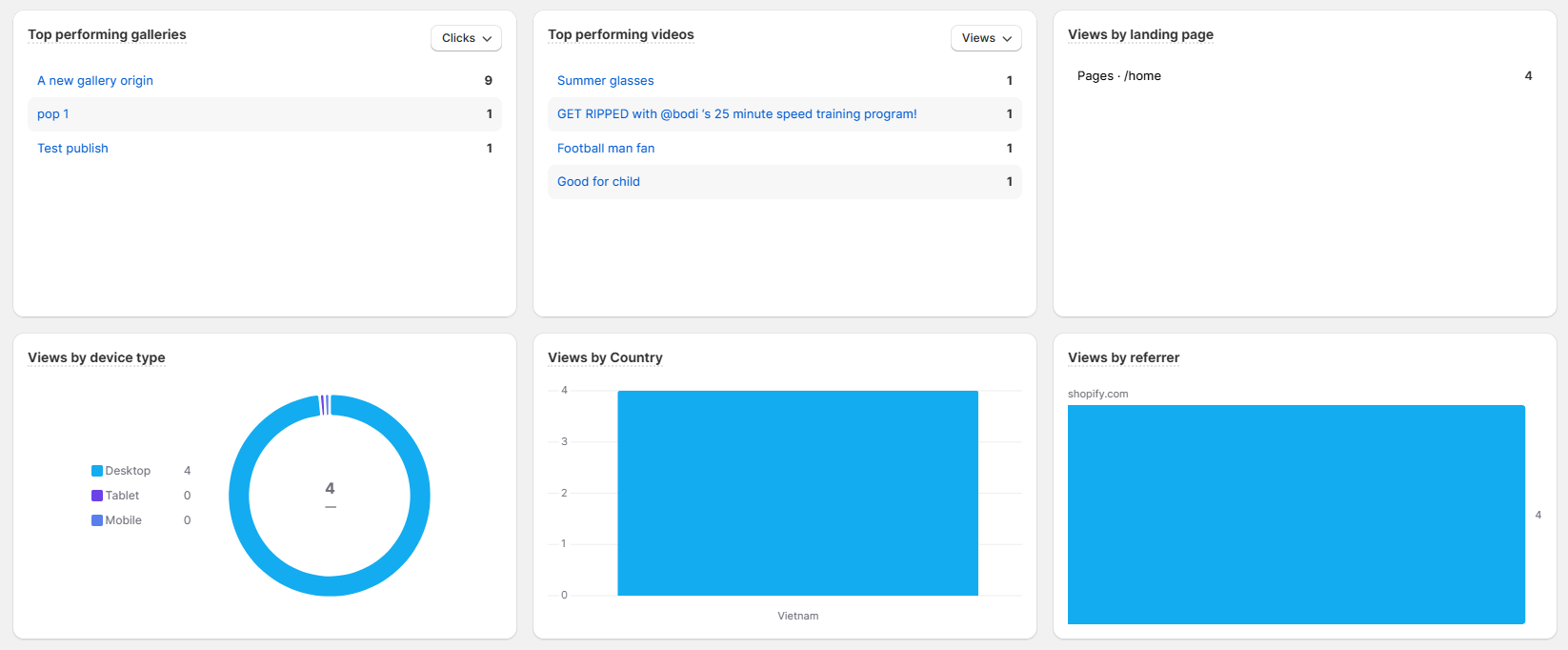
Here you can see the statistics for your Reelfy galleries and videos: views, clicks, add-to-cart actions, checkout actions, orders, total sales… and much more.
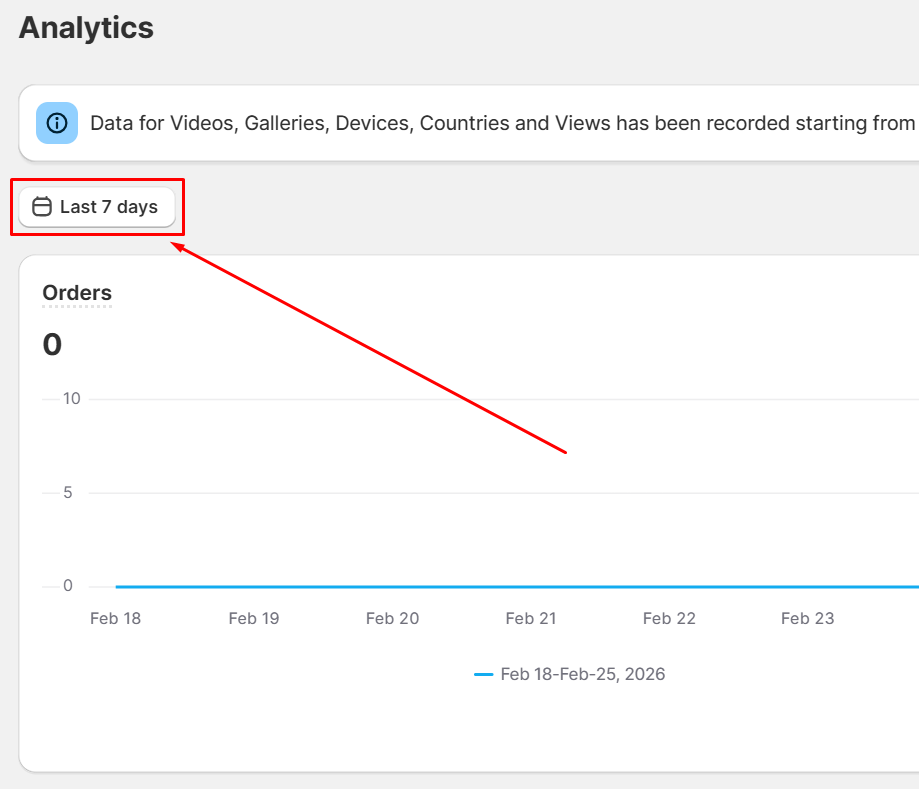
You can change the time range by clicking the calendar icon:
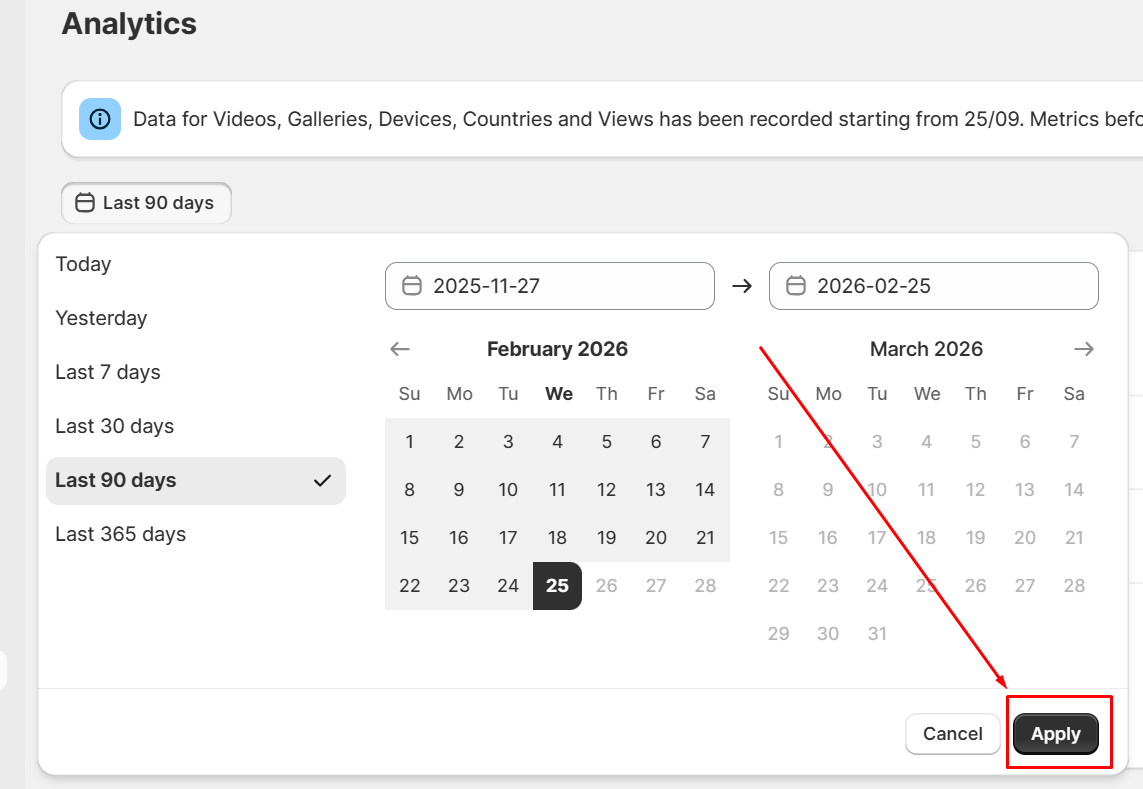
After selecting the time range you want, remember to click the button Apply: