

How to change the text
Open the Reelfy app, in the main menu of Reefy on the left, click Translation:
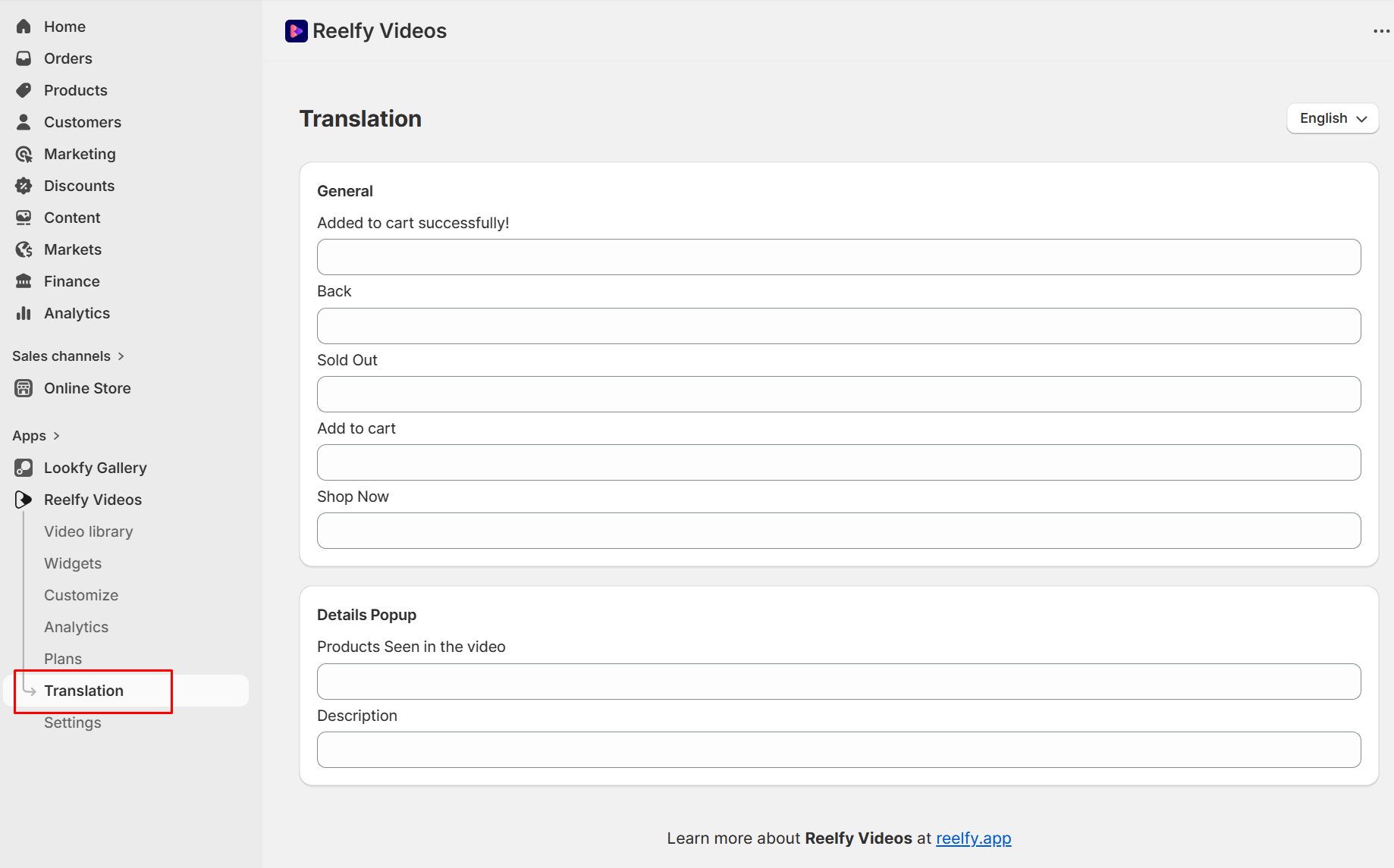
Here you can input the replacements for the phrases you want.
After entering the text, click Save button to apply the changes.
How to translate the text
Please follow these steps to translate the text into the language you want:
Pick the Target Language: from the language dropdown on the top right, select the language you want to translate the text into.
Enter Translations: for each phrase, enter the translated text or auto-translate by clicking Translate all button next to the language dropdown.
Save Your Translations: After entering all translations, please click the Save button to apply the changes.
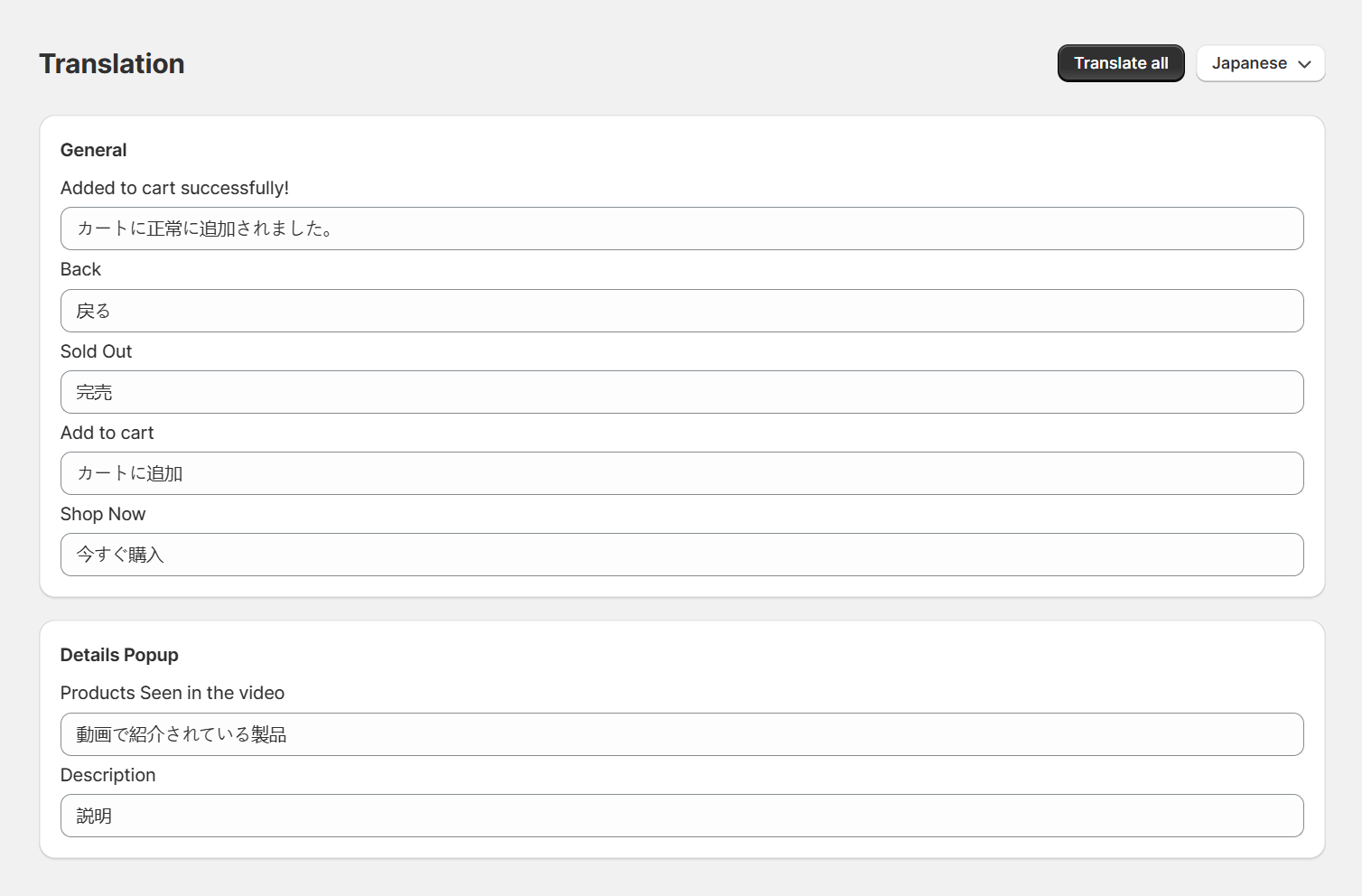
And you are done!