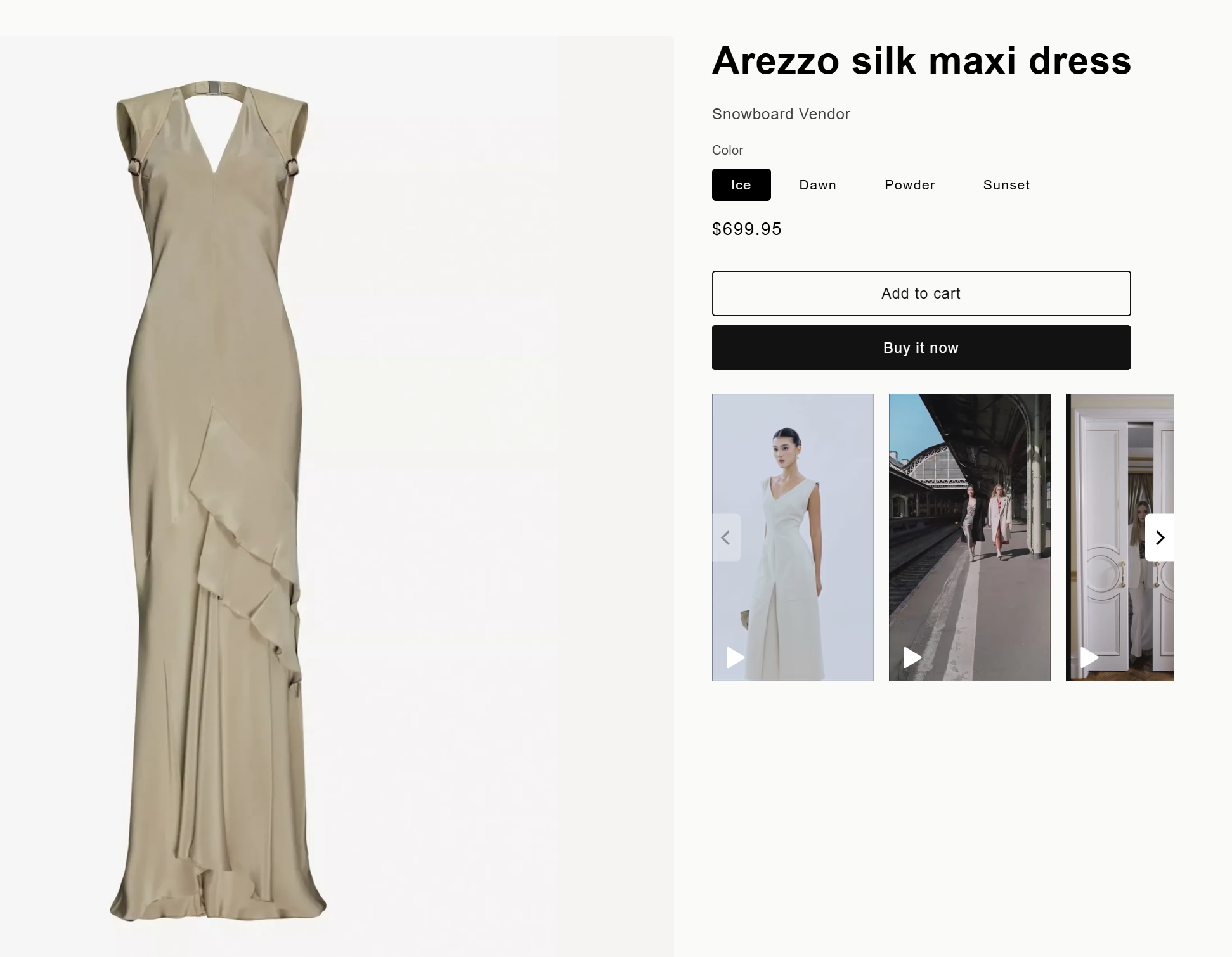
Reelfy Product Reels is a carousel widget that displays all videos tagged with a product on that product’s details page.
Different from the other Reelfy widget types, a Product Reels widget is created automatically by the app right after a product is tagged in a video, instead of being created manually by the user.
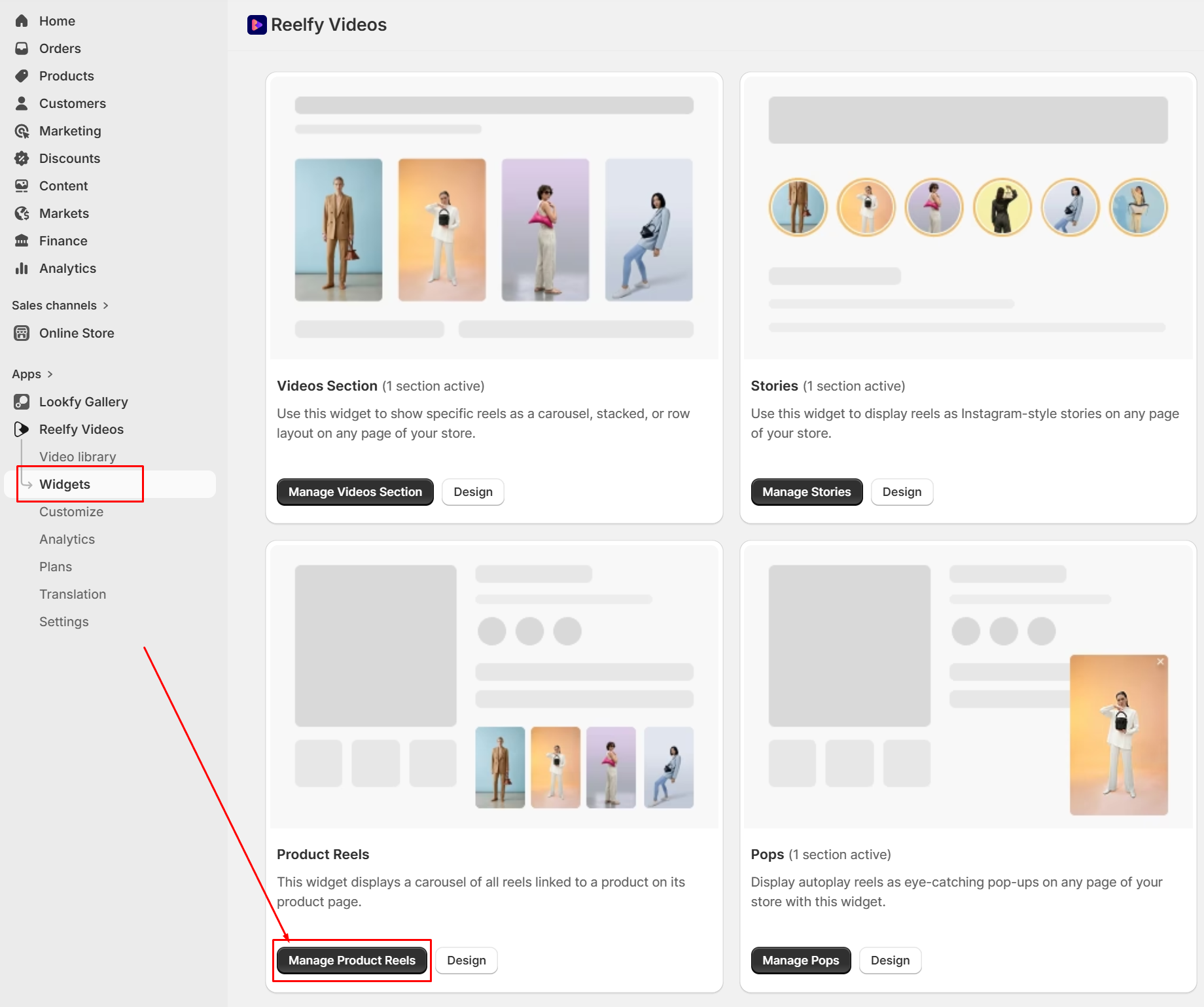
To see the available Product Reels widgets, from the Reelfy main menu on the left, click Widgets, then click Manage Product Reels.
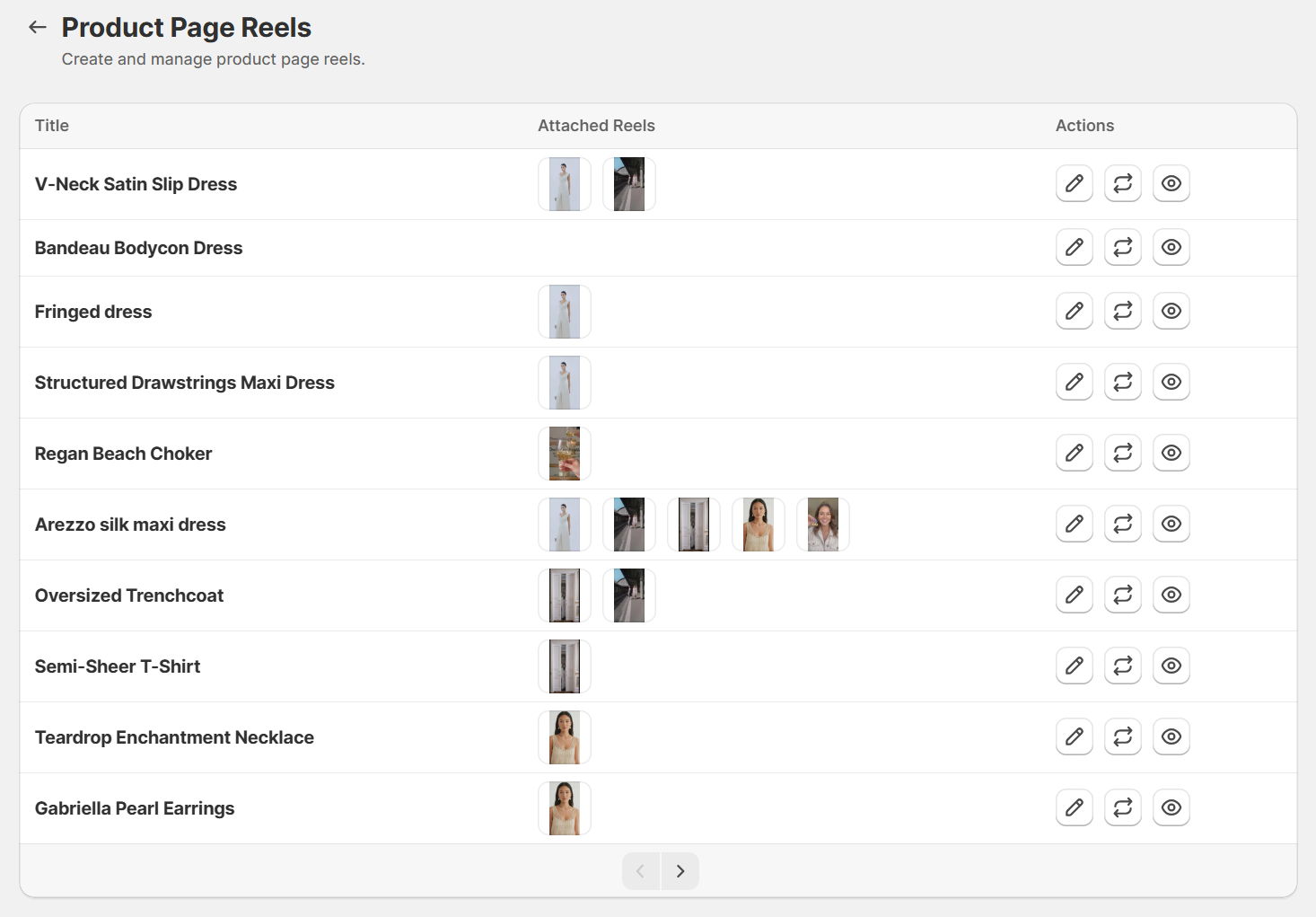
Now you can see:
To show these Product Reels widgets on their own product pages, you need to add the block/section Reelfy Product Reels into the product template:
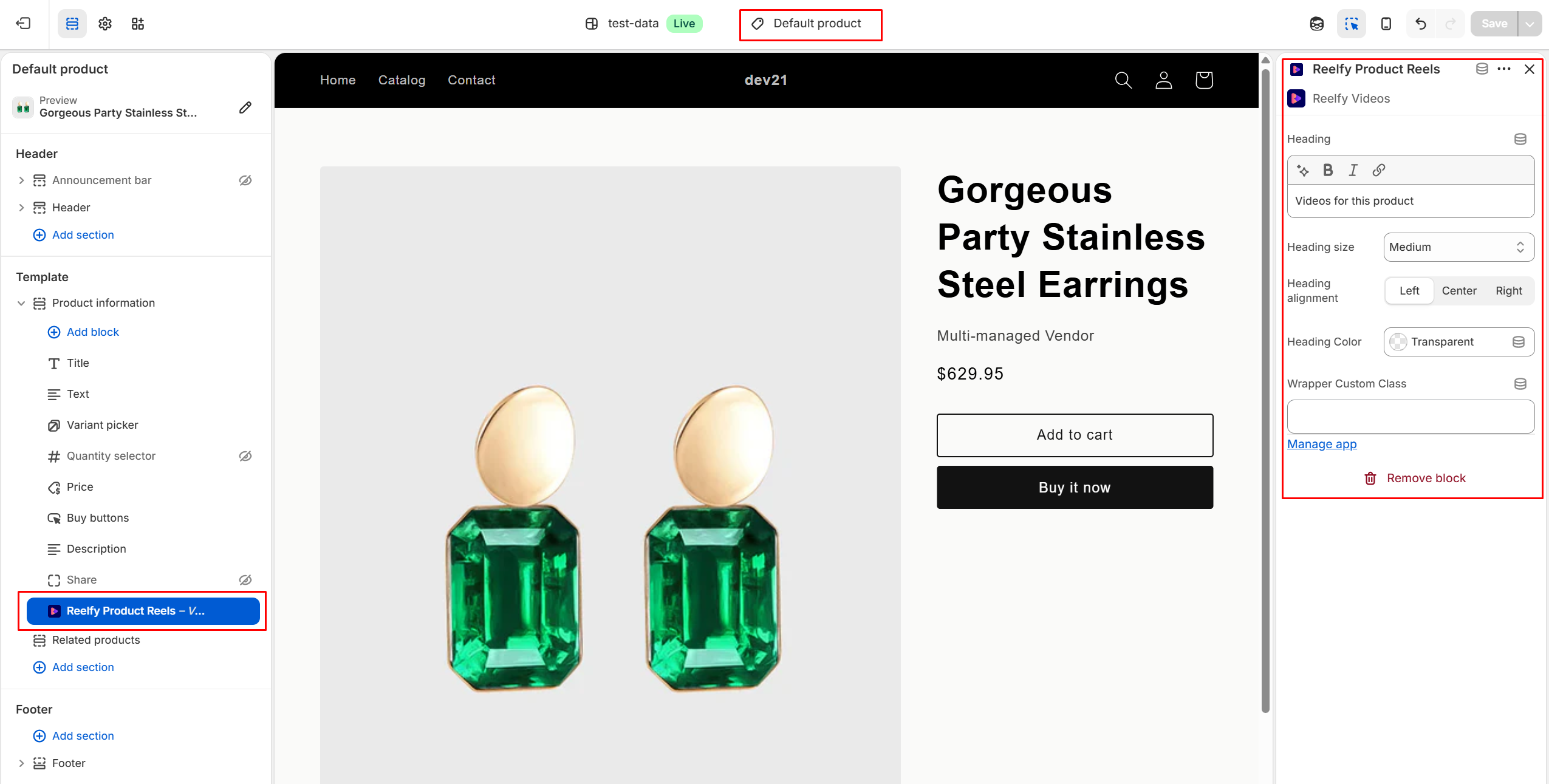
Here are the steps you should follow:
From your Shopify admin, go to Online Store > Themes.
Find the theme that you want to edit, and then click “Edit theme” or “Customize”.
Select the corresponding product template from the drop-down menu on the top.
Click Add block/Add section → Apps → Reelfy Product Reels.
Click the new block/section to customize it, for example input the heading.
Optional: Click and drag the ⋮⋮ icon next to the block/section to rearrange it.
Click Save.
And you are done! Open the product page on the front-end (live website) and you will see the Product Reels widget:
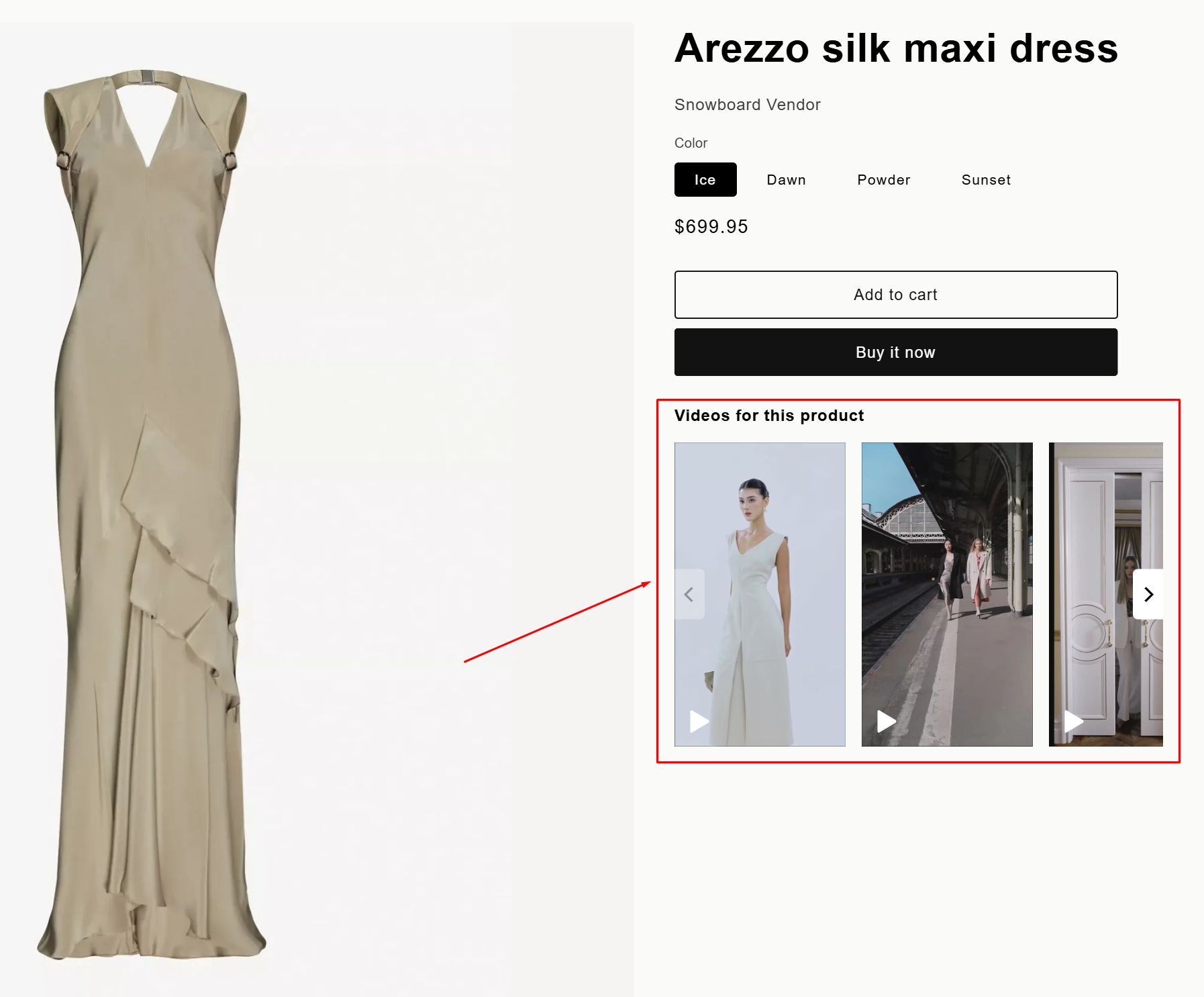
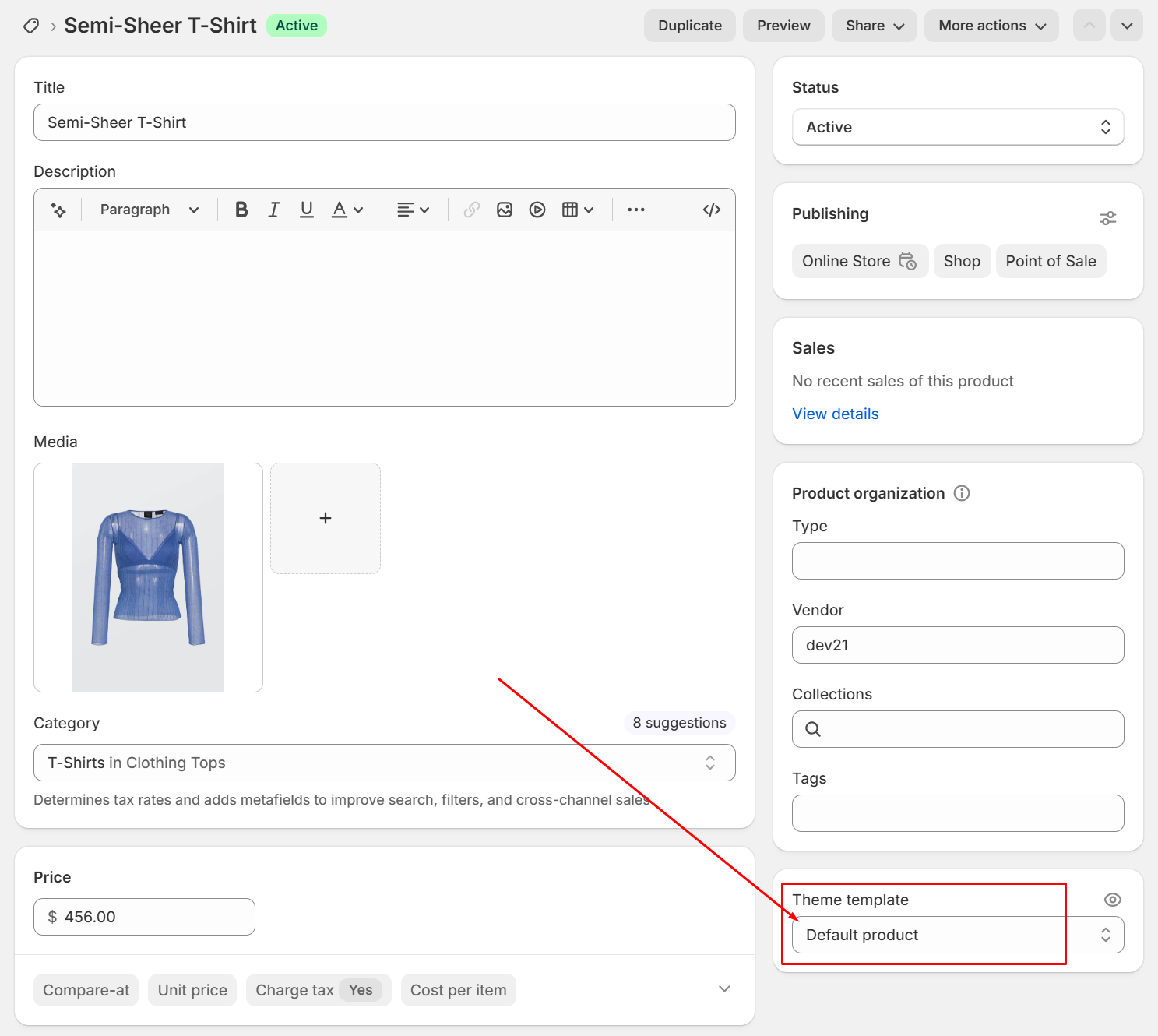
To ensure Product Reels widget is displayed on a product page, you need to add the Reelfy Product Reels section to its correct template. You can open the product page in the admin area to check about this. On the right sidebar, in the block Theme template, you will see its template.