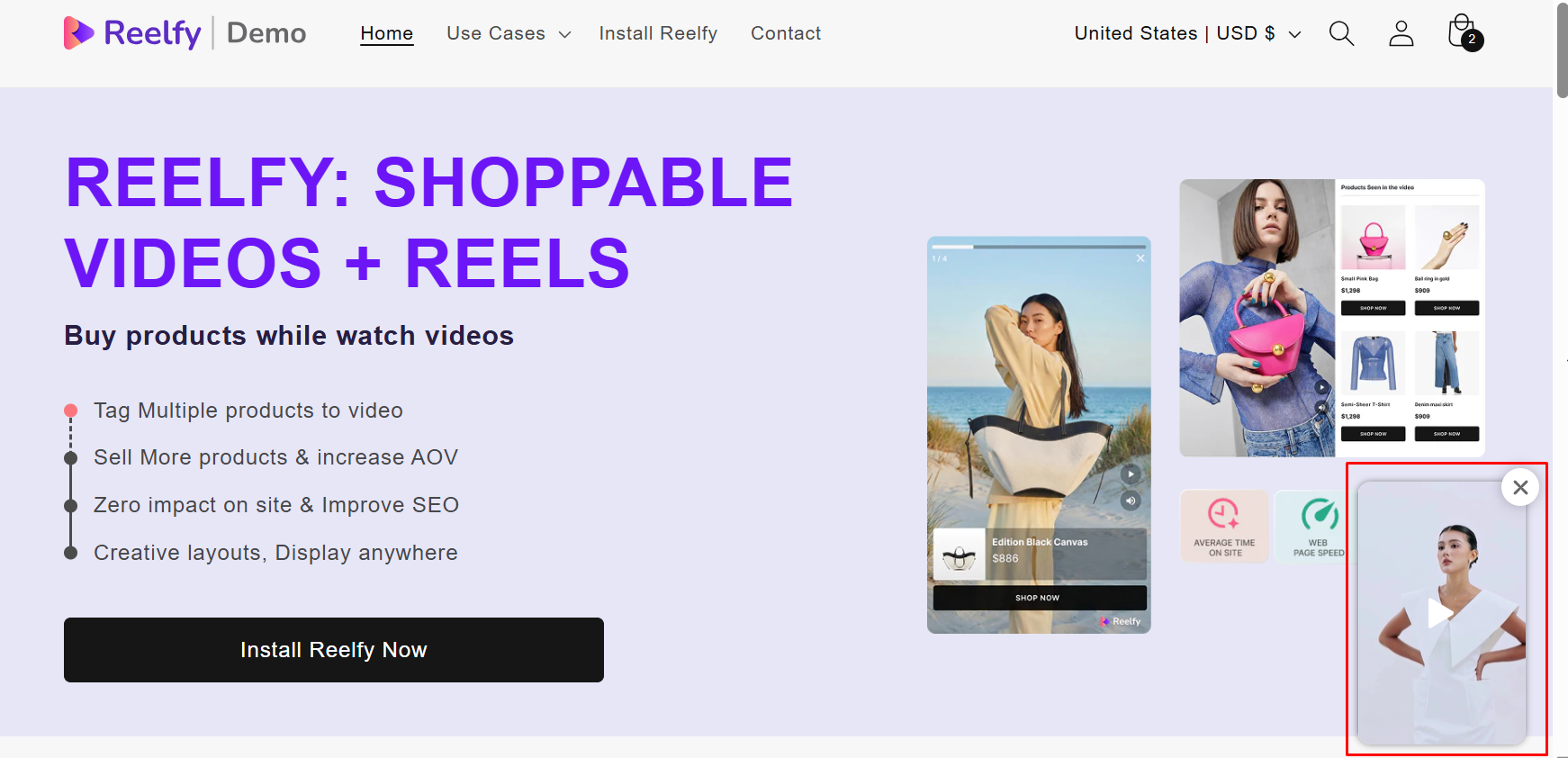
Reelfy Reel Pops widget/gallery displays auto-play reels as eye-catching pop-ups at the bottom corner of the page. It can be right bottom or left bottom corner, depends on your settings.
If there are more than one video in a Reel Pops widget, the videos will play one by one.
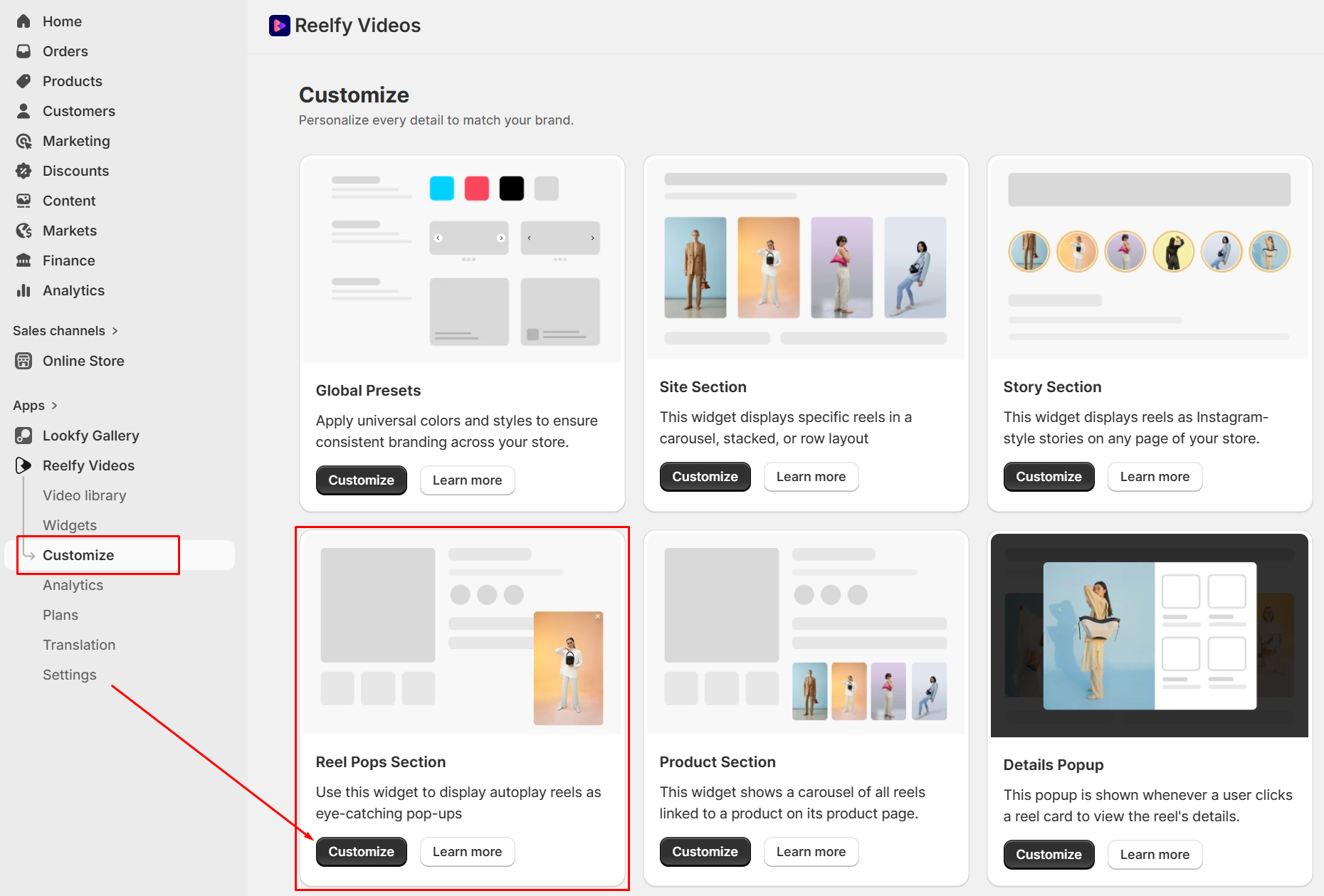
To open the Reel Pops customization page, from Reelfy dashboard, in the Reelfy main menu click Customize, then in the Reel Pops Section click Customize.
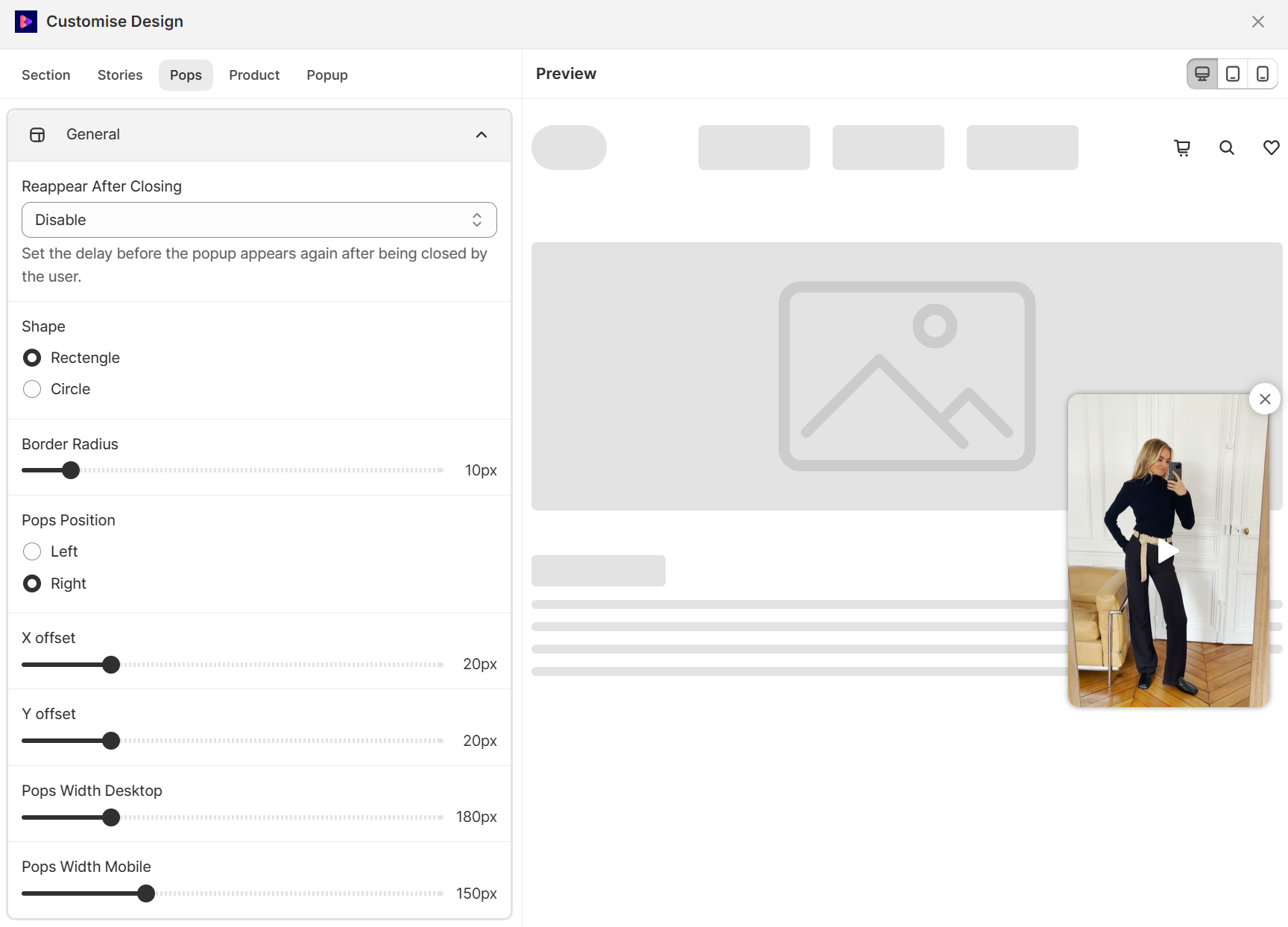
Here you have many options:
Reappear After Closing: set the delay before the popup appears again after being closed by the user.
Shape: you can select to show the reels in a rectangle or a circle.
Border Radius: set the border radius if the shape is rectangle.
Pops Position: here you can select to show the reels on the left bottom or right bottom corner.
X offset, Y offset: set the value to shift the pops from the default position.
Pops Width Desktop, Pops Width Mobile: set width of the pops on desktop or mobile.
First, you need to enable the Reelfy Reel Pops: at Online Store → Themes → “Edit theme” or “Customize” (Current theme), please click App embeds, then click the toggle button to enable the Reelfy Reel Pops if it is disabled.
Now, from Reelfy dashboard, in the main menu on the left click Widgets, then click the Manage Reel Pops or Manage Pops in the Reel Pops or Pops block. It will show a list of Reel Pops widgets, click on the widget that you want to publish.
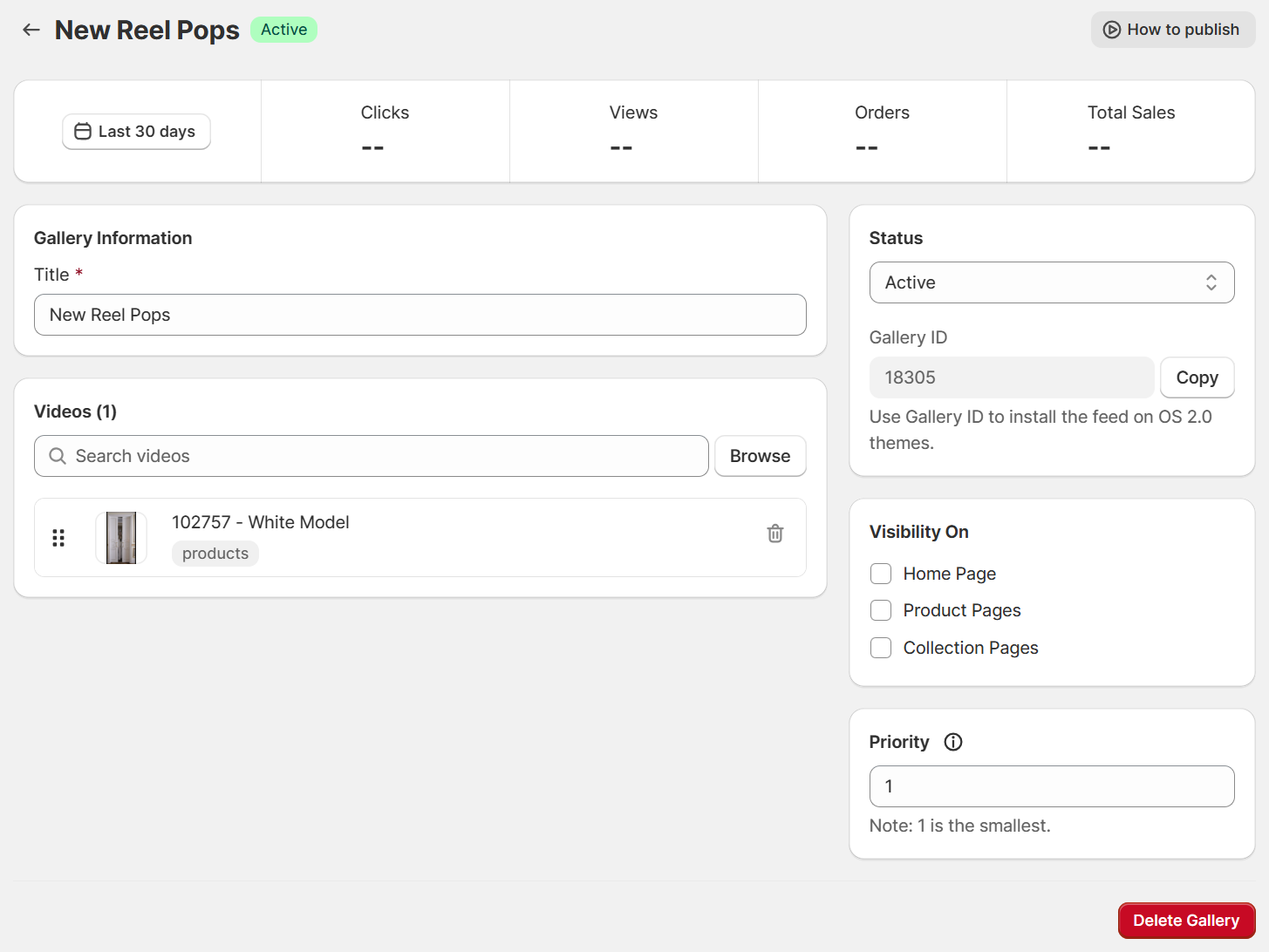
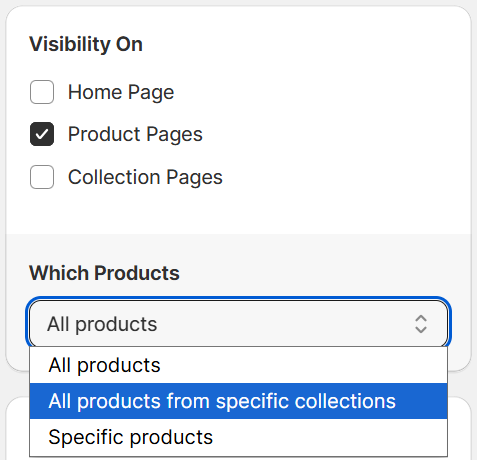
Next, at Visibility On block on the right sidebar, please select the pages you want to display the widget on.
Tick Home Page to show it on the store’s homepage.
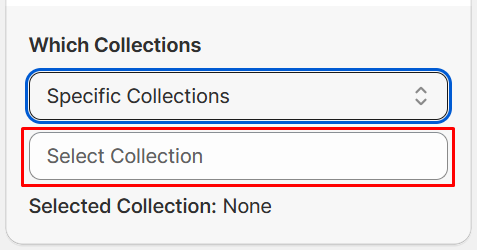
If you tick Product Pages, you can show it on all product pages, or on the pages of all products from some specific collections, or on some specific product pages.
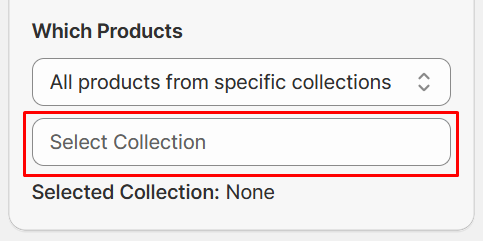
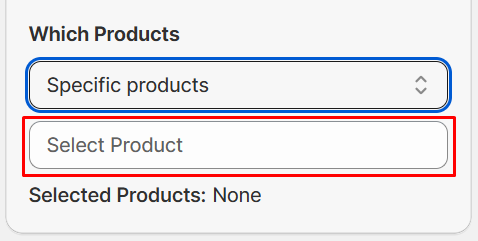
If you tick Collection Pages, you can show it on all collection pages, or on some specific collection pages.
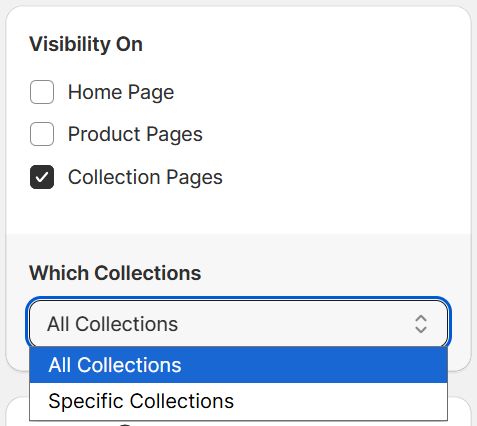
Click the Save button to apply your settings.
And you are done! The Reel Pops widget is now published on the pages you have chosen.
With this method you can publish Reel Pops widget not only on the Homepage, product pages, collection pages but also on the inner pages.
Please refer to this article to learn how to do it: https://help.reelfy.app/en/articles/15-using-embed-code